The accuracy of manual entry is our benchmark – a measured 99.8% field accuracy after verification over 1,000 forms. But not every form reaches that figure via the same route. Some documents we process almost entirely automatically; others require more human verification. What makes the difference is, in most cases, predictable.
Factor 1: The physical condition of the paper
The condition of the original documents has the single biggest influence on recognition quality. The following factors increase processing effort – and may trigger surcharges:
- Heavily creased or folded pages (shadows distort fields)
- Water damage or discolouration from storage
- Very thin paper where the back bleeds through
- Damage from staples or hole punches
Optimal are flat, undamaged A4 pages. For documents in poor condition, we recommend a preliminary scan of a small sample to calculate the additional effort.
Factor 2: Form design
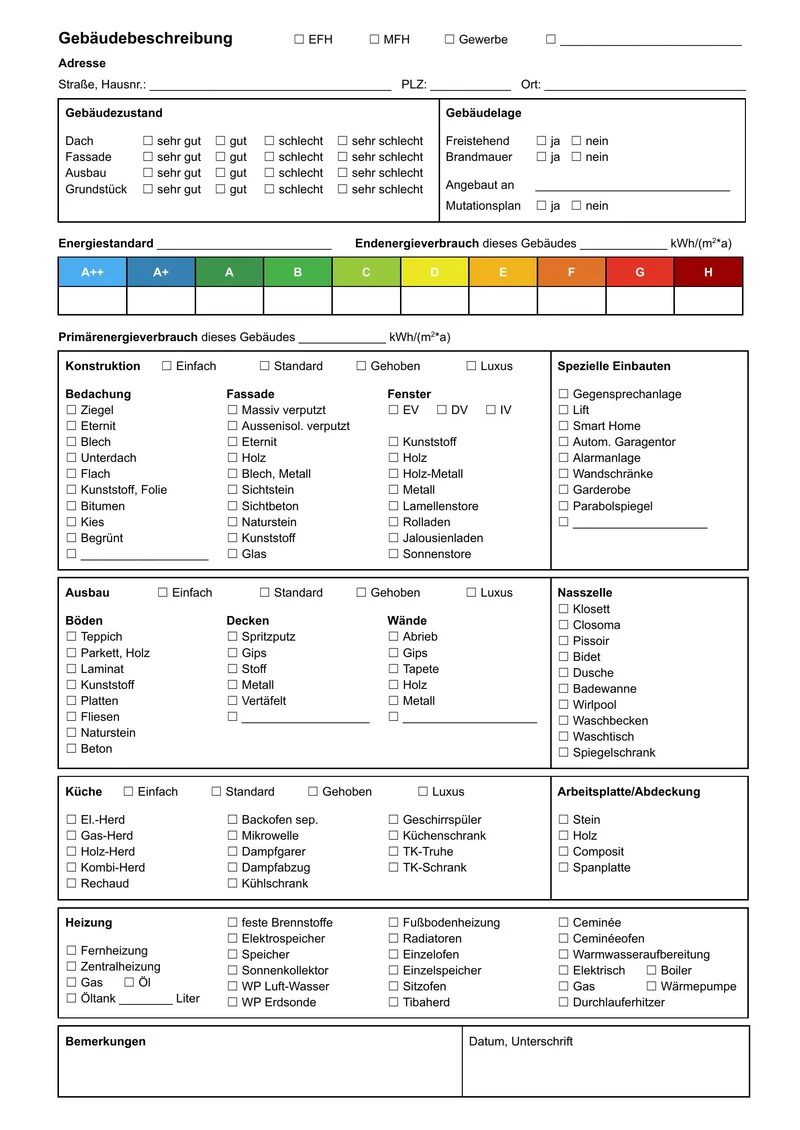
Well-designed forms can be processed considerably more efficiently. Problematic are:
- Fields with too little writing space (handwriting overlaps lines)
- Tables without clear separators between rows and columns
- Free-text fields without recognisable boundaries
- Very small font size in pre-printed text (hard to read when scanned)
If you are redesigning or commissioning forms, we are happy to support you with concrete design guidelines that maximise the recognition rate.
Factor 3: Handwriting variability
Individual handwriting varies considerably in writing pressure, letter connectivity and abbreviations used. That's normal – and exactly why we use human verification. Fields where the AI is uncertain go automatically to a human reviewer. The result in both cases is the same: a reliably correct data point.
Factor 4: Form size
A4 is our standard. Larger formats – A3, double-spread – require wider scans and more complex image processing. Smaller formats (A5, index cards) are usually straightforward as long as the layout is clear.
Key factors at a glance
The table below summarises how each factor affects recognition rate and what can be done about it:
| Factor | Impact on recognition rate | Recommendation |
|---|---|---|
| Creased/folded paper | Up to –15% | Flatten pages or rescan |
| Water damage | Up to –30% | Send a sample batch first |
| Thin paper (bleed-through) | Up to –10% | Use dark backing sheet when scanning |
| Missing field boundaries | Up to –8% | Redesign the form |
| Illegible handwriting | No impact | Human verification handles it |
| Form size A3+ | Surcharge applies | Discuss in advance |
Optimal preparation before the project
To avoid surprises during processing, we recommend following these steps before a larger digitization project:
Send a sample batch
Submit 20–50 representative forms – ideally including the worst examples from your collection.
Quality analysis
We analyse the scan output and identify problematic patterns: poor contrast, common handwriting styles, form design issues.
Quote with quality assessment
Our quote includes a realistic estimate of the expected recognition rate and verification effort for your specific material.
Pilot processing & sign-off
The first 100–200 forms are processed as a pilot. You review the output and give sign-off before full production begins.
When is it worth redesigning your forms?
If you regularly process large form volumes – say, thousands of entries per month – it can be worth redesigning the forms themselves for machine processing. Larger fields, clearly defined checkboxes, slightly increased line spacing and high-contrast field boundaries are small changes that can meaningfully increase the automation rate.
We offer free form design consultation for organisations planning digitization. We analyse your current forms, identify the most common error sources, and make targeted recommendations – typically two or three focused changes are enough to measurably reduce processing costs.
Before a larger project we always recommend a sample of 20–50 forms. We analyse quality and any special features and create a reliable quote – with no obligation.
Next step
Have specific forms to digitize?
Send us a sample – we'll have a quote ready within 24 hours.